Add plants and areas
Houseplants, flower beds, lawn or a vegetable patch. Start manually or with a photo.
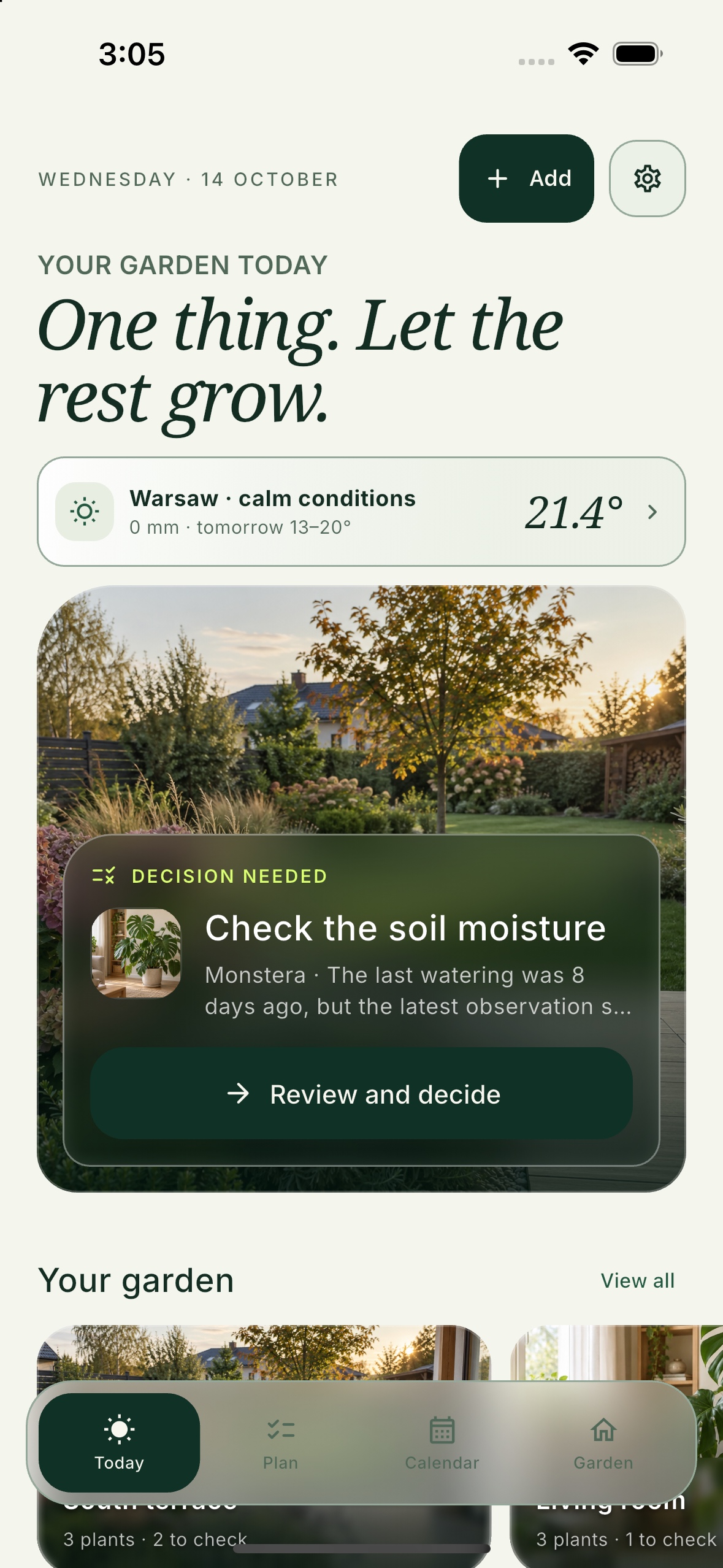
 A plan built around your care history and the weather
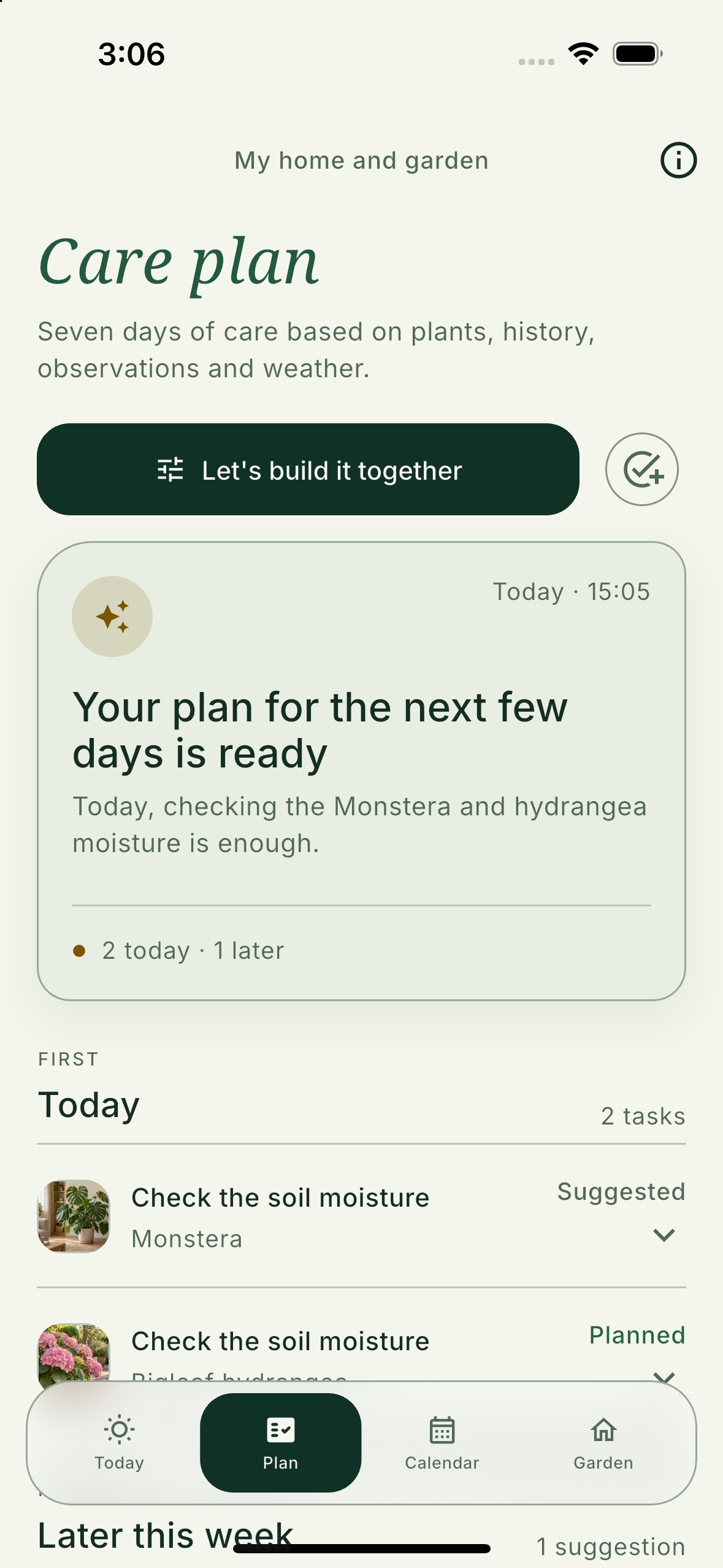
Florli builds your plant care plan. It shows you what to do, when and why — using your history, observations and the weather.
For iPhone and Android · keep your essential care history without an account
Choose your kind of green
Houseplants, gardens and lawns need different kinds of care. Florli gives each area a focused plan instead of mixing everything into one feed.
Knowledge library
Concise guides move from an answer to an observation and your own plan in Florli.
From your first plant to a clear plan
You do not need to describe your whole garden at once. Add the first plant or area, then fill in more details when they become useful.
Houseplants, flower beds, lawn or a vegetable patch. Start manually or with a photo.
Florli organizes tasks and shows what to do first, what can wait and why.
Completed care becomes part of your history, so the next plan can reflect what happened before.
Instead of scattered reminders, you get one clear plan for your houseplants, garden and lawn.
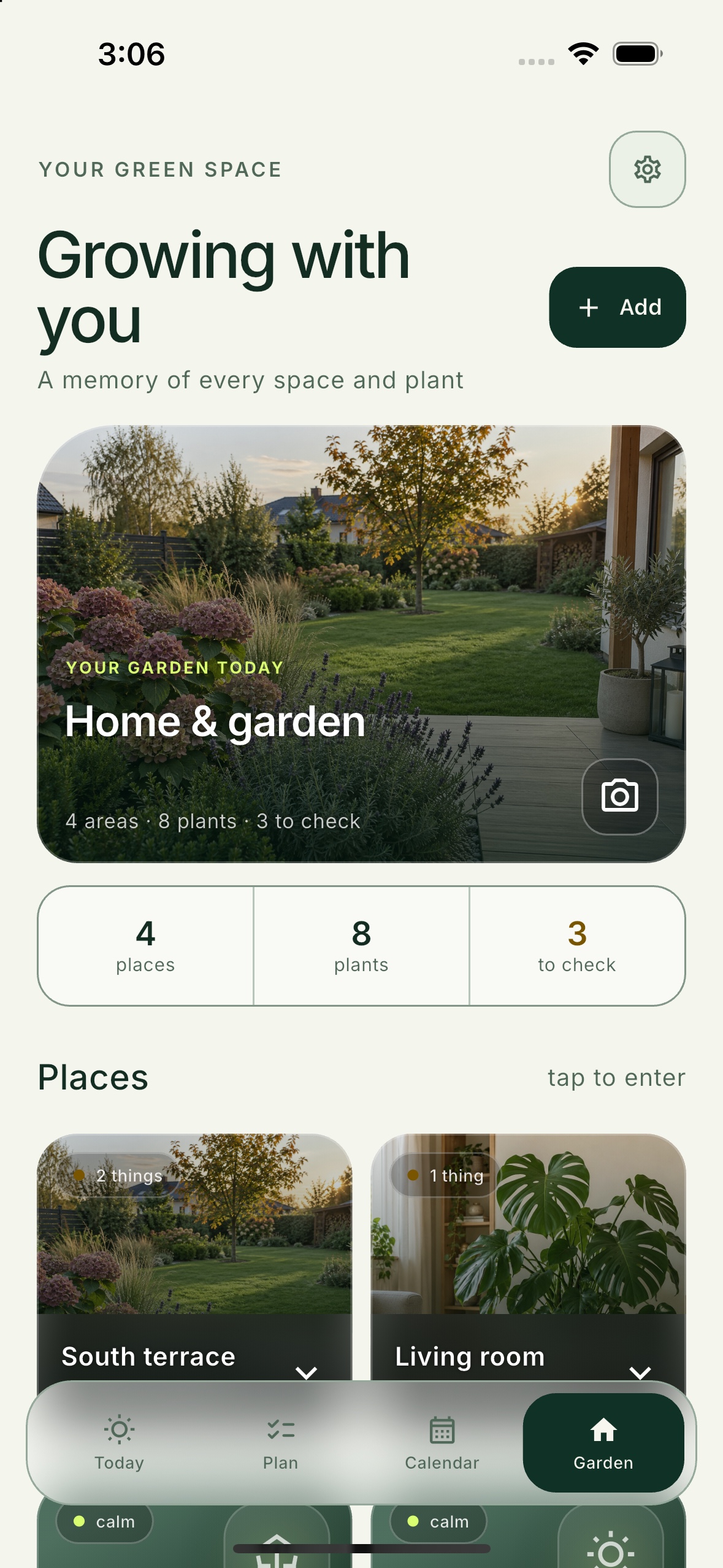
Living room, balcony, flower bed, lawn or vegetable patch — each area keeps its own history while sharing one care plan.
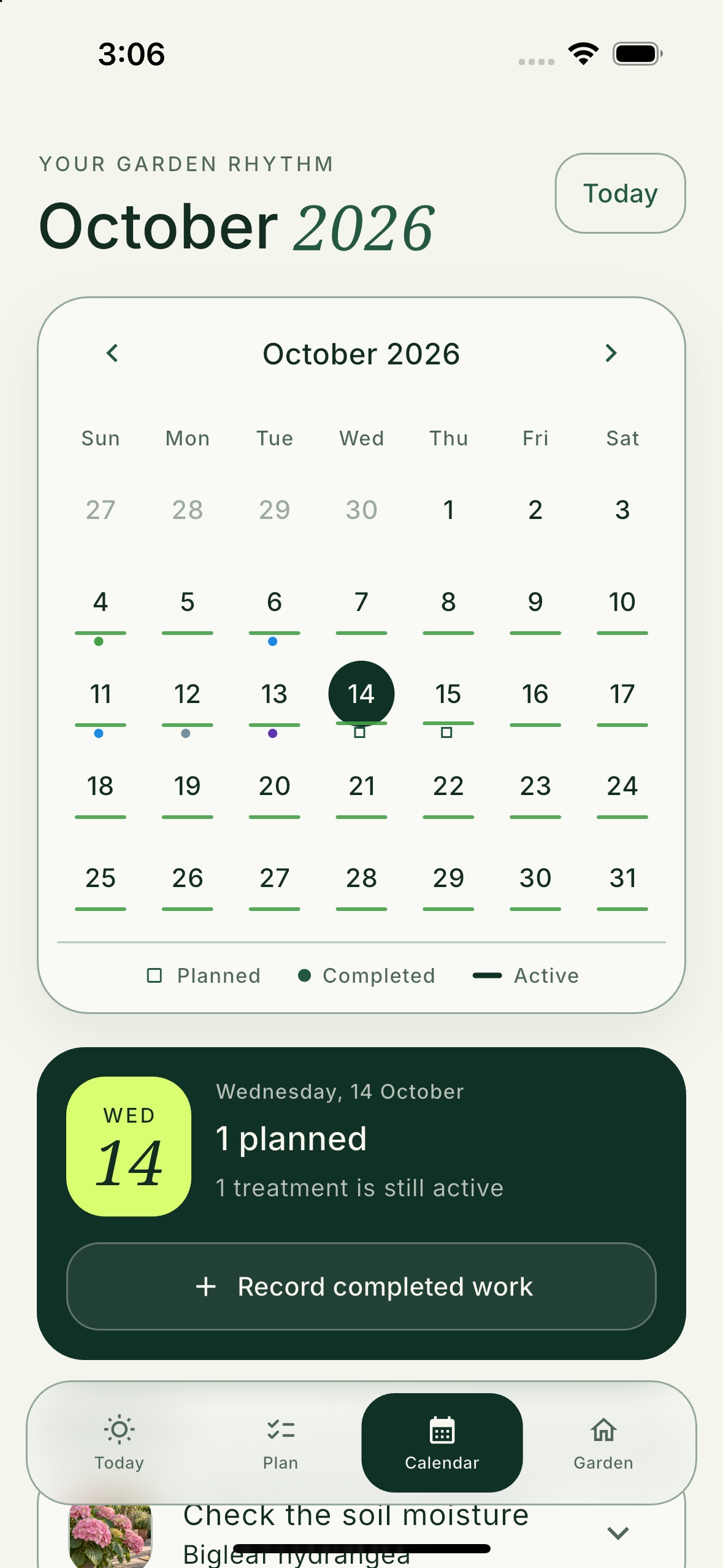
Watering, fertilizing, mowing, pruning and other work becomes part of your history, together with notes and results.
Everything within reach
Florli connects daily tasks with information that usually ends up scattered across calendars, notes and photos.
Outdoor conditions can change the best time for watering, fertilizing and other care.
Record changes and compare whether your work delivered the result you expected.
Add care you want to handle your way and keep it in the same plan.
Use a plan informed by your plants, care history, observations and conditions.
Review earlier work and plan what comes next without keeping separate notes.
Keep track of fertilizers and other products you use at home and in the garden.
Your data, your choice
Your essential care history works locally. Features that use the internet are clearly marked and enabled with your consent.
Frequently asked questions
Florli is an app for planning and recording care for houseplants, gardens and lawns in one place.
No. You can keep your essential care history locally without creating an account.
Add houseplants, balconies, flower beds, lawns, vegetable patches and your own custom areas.
Florli organizes tasks using your plants, recorded care history, observations and weather conditions.
Florli is coming soon to the App Store and Google Play. Direct download links will appear here at launch.
Everything that grows. One plan.
Coming soon to the App Store and Google Play.
Direct download links will appear here at launch.