Add from a photo
Identify a plant, confirm the result and assign it to the room or place where it grows.
 Florli for houseplants
Know what to do today. Add a plant from a photo, understand what it needs and keep its care history without guessing when you last watered or fed it.
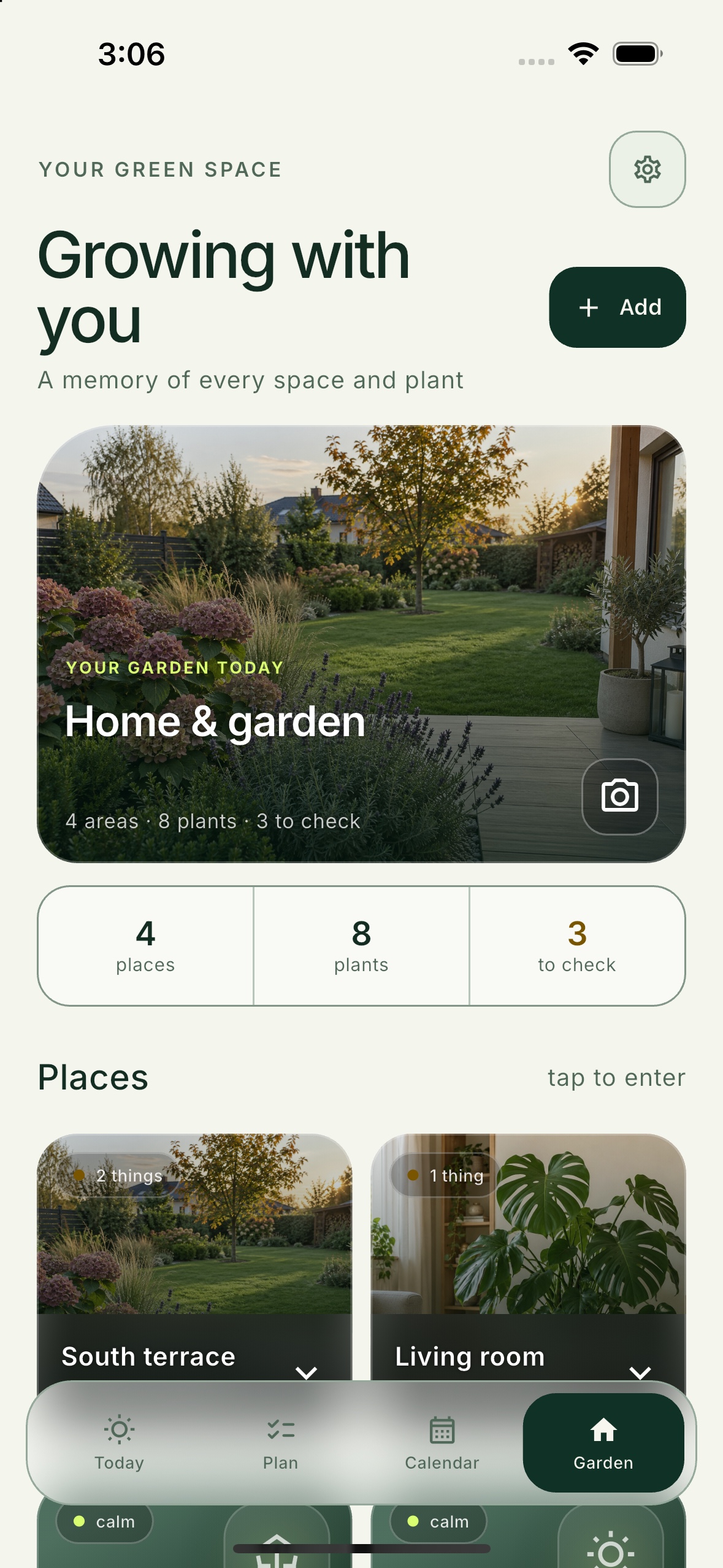
Start with one plant and add the rest when you are ready.
Care shaped around the plant
Florli connects the species, location, photos and previous care so the next task makes sense for your plant.
Identify a plant, confirm the result and assign it to the room or place where it grows.
Record yellow leaves, spots, pests and other symptoms, then return to the results of your care.
Watering, feeding, repotting and observations form a clear history for every plant.
From a photo to the next step
Florli brings the useful details together, suggests a plan and helps you check whether the action worked.
Take a photo or enter the name yourself. You stay in control of the identification.
Florli organizes watering, feeding, repotting and useful follow-up observations.
Complete the task or add a check-in photo so the next recommendation can use the history.
Florli brings tasks for all your houseplants together and shows which ones genuinely need attention today.
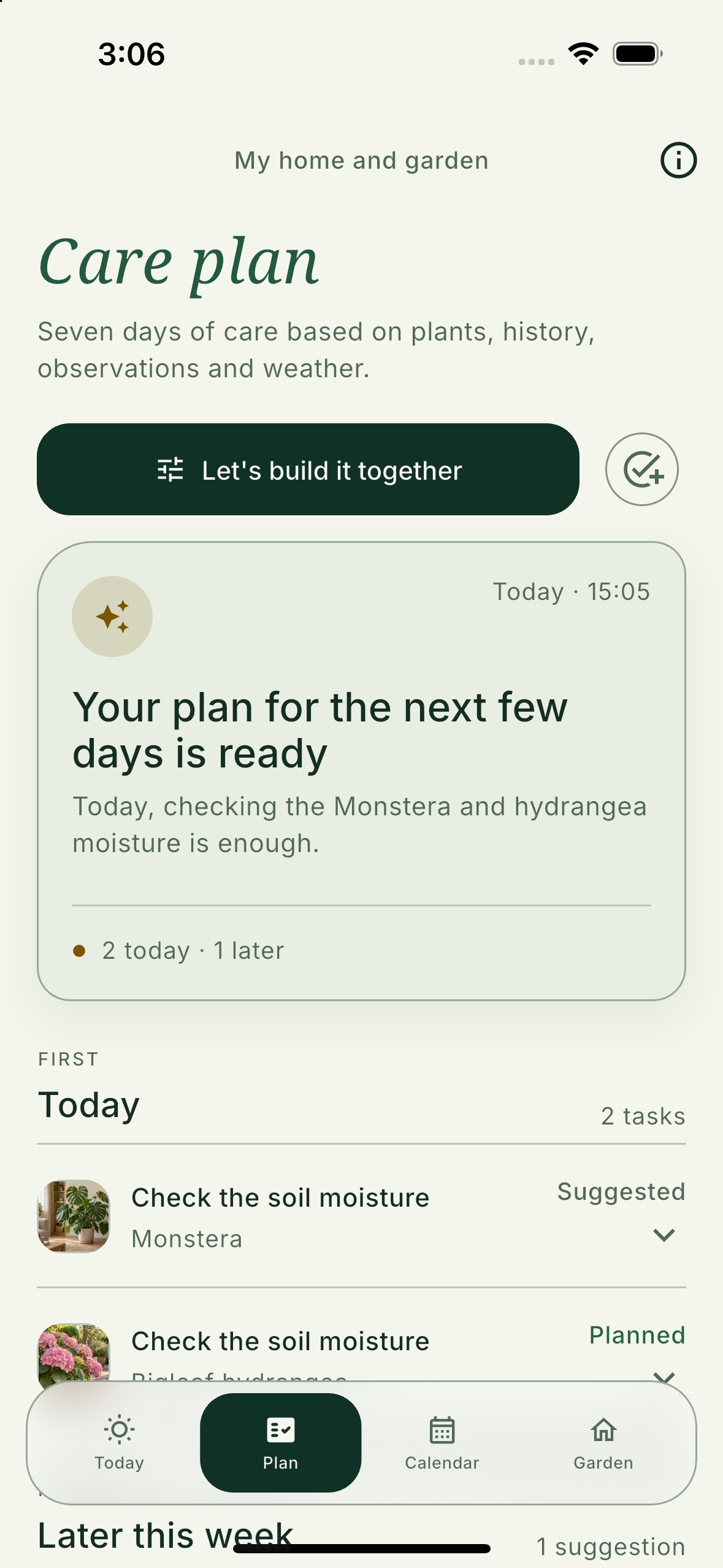
Houseplant care in one place
Each tool leads to the next decision instead of ending with a one-off answer.
Add a plant from a photo and confirm the right result before saving it.
Record symptoms and get a cautious next step with visible uncertainty.
Compare the plant after watering, repotting or using a product.
Return to earlier work without searching your gallery or separate notes.
See the most useful tasks across all rooms in one focused list.
Keep fertilizers and other products you already own together with their usage history.
Florli grows with you
Knowledge library
Concise guides move from an answer to an observation and your own plan in Florli.
Your plants. Their history. One plan.
Coming soon to the App Store and Google Play.
Direct download links will appear here at launch.